
WordPress 7.0 Features, AI Connectors, & How to Prepare

WordPress 7.0 is scheduled for release on May 20, 2026, and the biggest updates extend beyond the features shown in the screenshots. The new Breadcrumbs block, Icons block, redesigned admin, and expanded Block-level Notes functionality account for much of the announcement coverage.

The largest change is the AI infrastructure underneath those features. The Connectors API, AI Client, and Abilities API give plugins, themes, and external AI agents a standardized way to read from and interact with a WordPress site.
Originally planned for April 9, 2026, the release was delayed to allow additional stability and performance work. RC 4 on May 14 serves as the final effective release candidate, followed by a code freeze on May 19 and general availability on May 20.
Two updates require close attention from site owners. The DataViews-based admin overhaul rebuilds the Posts, Pages, and Media list screens, which are among the most heavily customized parts of the WordPress dashboard. The minimum PHP requirement has also been raised to 7.4, ending support for PHP 7.2 and 7.3.
Sites running on outdated server stacks may stop functioning correctly after the update. Both issues can usually be addressed through staging tests and a short preparation process, but they deserve as much attention as the headline features.
The Release Date and Scope of WordPress 7.0
WordPress 7.0 is the first major release of 2026, and the number represents a marketing milestone, not a technical break. The internal codebase remains consistent with the 6.x line, and the version bump does not reset existing plugins, themes, and APIs.
It merges the contents of Gutenberg 22.0 through 22.6 into core. The result is a release that covers collaboration tooling, editing workflow improvements, design tools, media handling, and a larger set of developer APIs.
The schedule slip changed the feature list. Real-time collaboration, which had been positioned for months as a flagship feature of 7.0, was removed from the release on May 8. The block-level Notes system is in the release, but multi-user simultaneous editing is not. WordPress 7.0 does not support real-time collaborative editing. Teams can still contribute to the same post, but not simultaneously, unlike in Google Docs. Workflows built around live co-editing will need to be adjusted.
The Connectors API and the Built-In Providers
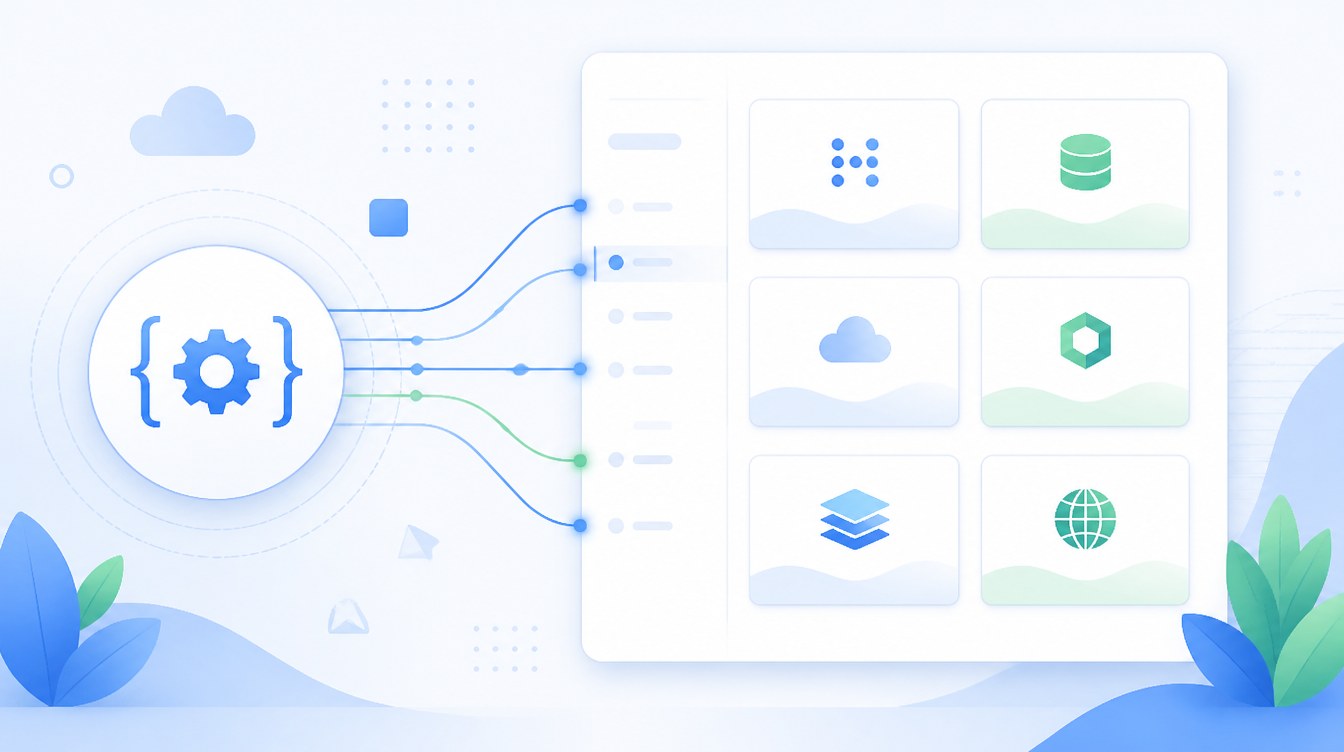
The Connectors API is a new framework for registering and managing connections to external services. The first wave of registered connectors is for AI providers. WordPress 7.0 includes three built-in connectors registered out of the box. OpenAI, Anthropic, and Google appear as default options on a new Settings > Connectors admin screen.
The user-facing consequence is administrative. A site owner enters an API key once, and any plugin built against the AI Client can use that connection without asking for a separate key.
Before 7.0, plugins handled API keys separately. A content generator plugin required one OpenAI key, an SEO plugin required another, and a media plugin required a third. That setup created duplicate credentials, inconsistent rate-limit handling, and limited visibility into how providers were being used.
Developers can also extend the Connectors API. The wp_connectors_init action runs during registration and lets plugins add providers or override connector metadata. The admin screen then uses the provider registry to display those settings.
For billing and monitoring, the AI Client tracks token usage, latency, and provider error rates. Administrators can check provider performance from the Connectors screen without adding extra plugin tracking. For sites using AI tools for content generation or moderation, this helps identify issues when vendors change pricing or rate limits.
The Connectors framework extends beyond AI providers. Storage services, transcription tools, and other external integrations can register through the same system. AI is the first category to use it.
The AI Client and the Abilities API
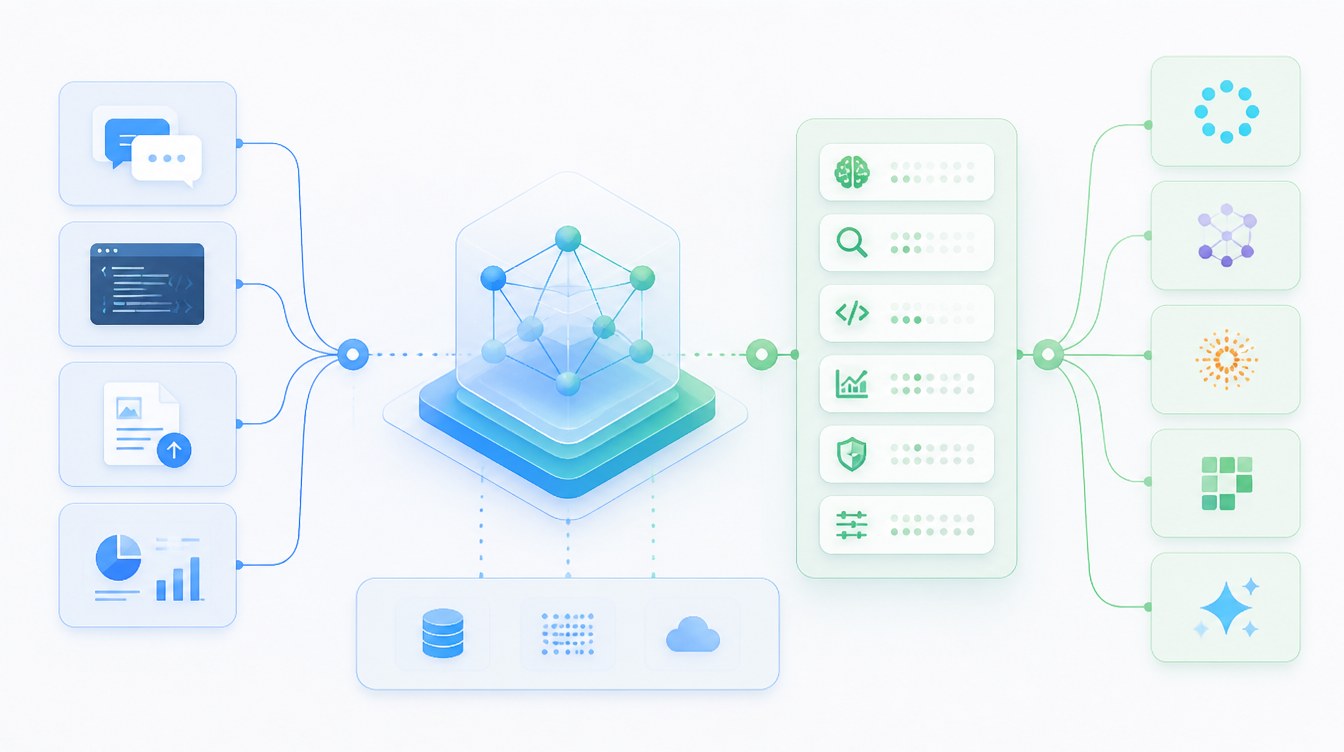
The AI Client is a provider-agnostic PHP interface built into WordPress core. Plugins use it to send prompts to external AI models and receive responses in a standardized format. WordPress does not include its own AI engine. The AI Client instead provides a consistent way for plugins to communicate with external providers, making it easier to change providers later without rebuilding plugin logic.
The AI Client relies on the Abilities API, which acts as a central registry for named actions. Plugins, themes, and core can register actions such as create_order, list_products, get_inventory, and schedule_post. Each includes input and output rules, permission checks, and metadata describing how the action should operate.
WordPress 6.9 introduced the server-side Abilities API, and 7.0 adds a JavaScript version. The update includes two packages; @wordpress/abilities for state management and @wordpress/core-abilities for WordPress integration through REST. This allows block editor and admin features to access the registry directly, rather than relying on custom endpoints built by plugins.
The Abilities API brings consistency to plugin integrations. Before it existed, plugins exposed functionality through custom routes, hooks, or undocumented PHP functions, and every integration handled those systems differently. With Abilities, plugins register capabilities through a shared structure. A WooCommerce extension might register create_product, while a booking plugin registers reserve_slot, and both can be accessed through the same API pattern.
This structure allows AI integrations to function consistently across WordPress. An AI model that can read schemas does not need a custom integration for every plugin. It can use registered abilities to determine the required inputs and execute supported actions. The Abilities API provides the shared system behind that process.
The MCP Adapter and Two-Way Agent Access
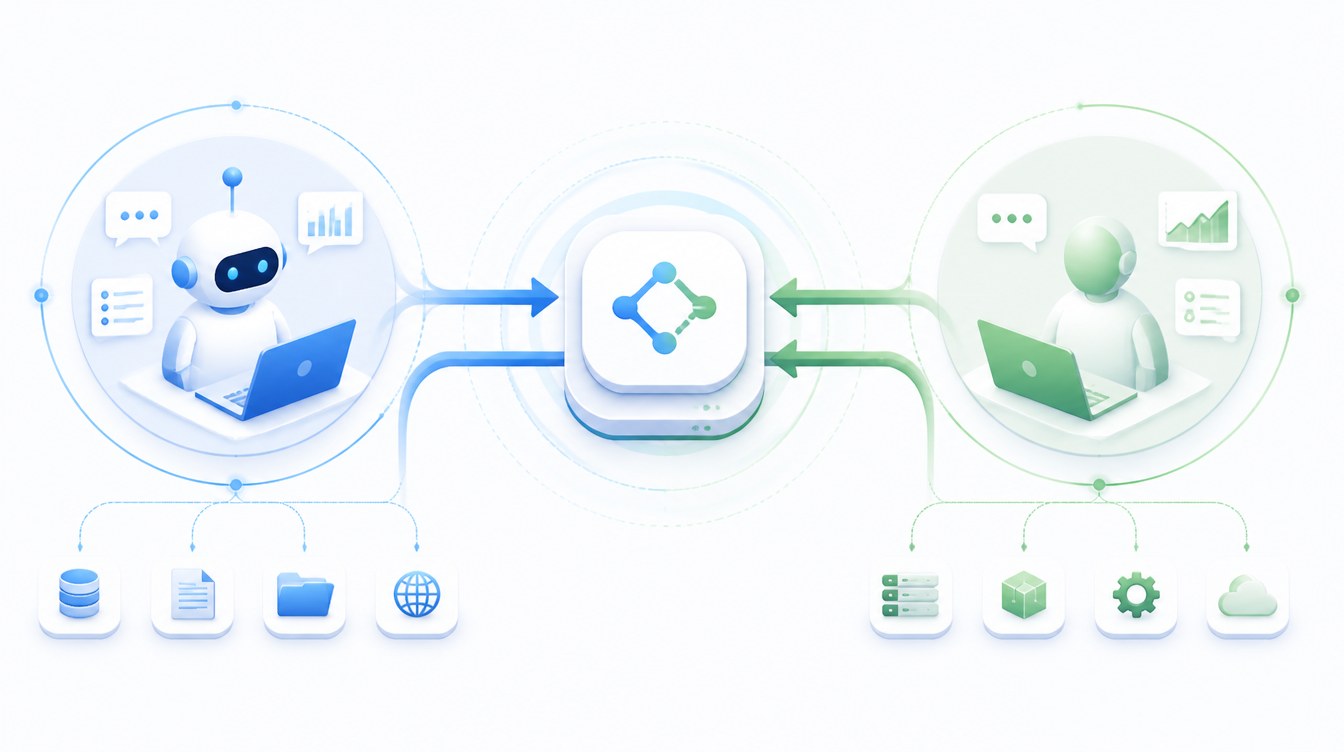
The Model Context Protocol is an open standard for how AI clients discover and call tools. The MCP Adapter package bridges the Abilities API to MCP. Any ability registered through the Abilities API becomes discoverable and callable as an MCP tool by any compatible MCP client.
The list of currently compatible clients includes:
Claude Desktop
Claude Code
Cursor
VS Code
The pattern of use is the same in each case. The client connects to the WordPress site, queries the available abilities, and calls them with structured input.
Communication in both directions is possible with this setup. WordPress 7.0 can connect to AI providers through the AI Client, and external AI agents can interact with WordPress through the MCP Adapter. Content workflows can start inside the editor or from outside WordPress, with both approaches using the same registry structure.
This part of 7.0 expands on how WordPress functions as a platform. A standard CMS publishes pages to readers, while a WordPress site using the MCP Adapter can also expose operations to programmatic callers. That capability extends WordPress beyond traditional publishing workflows and introduces a new integration model for core.
The DataViews Admin Overhaul
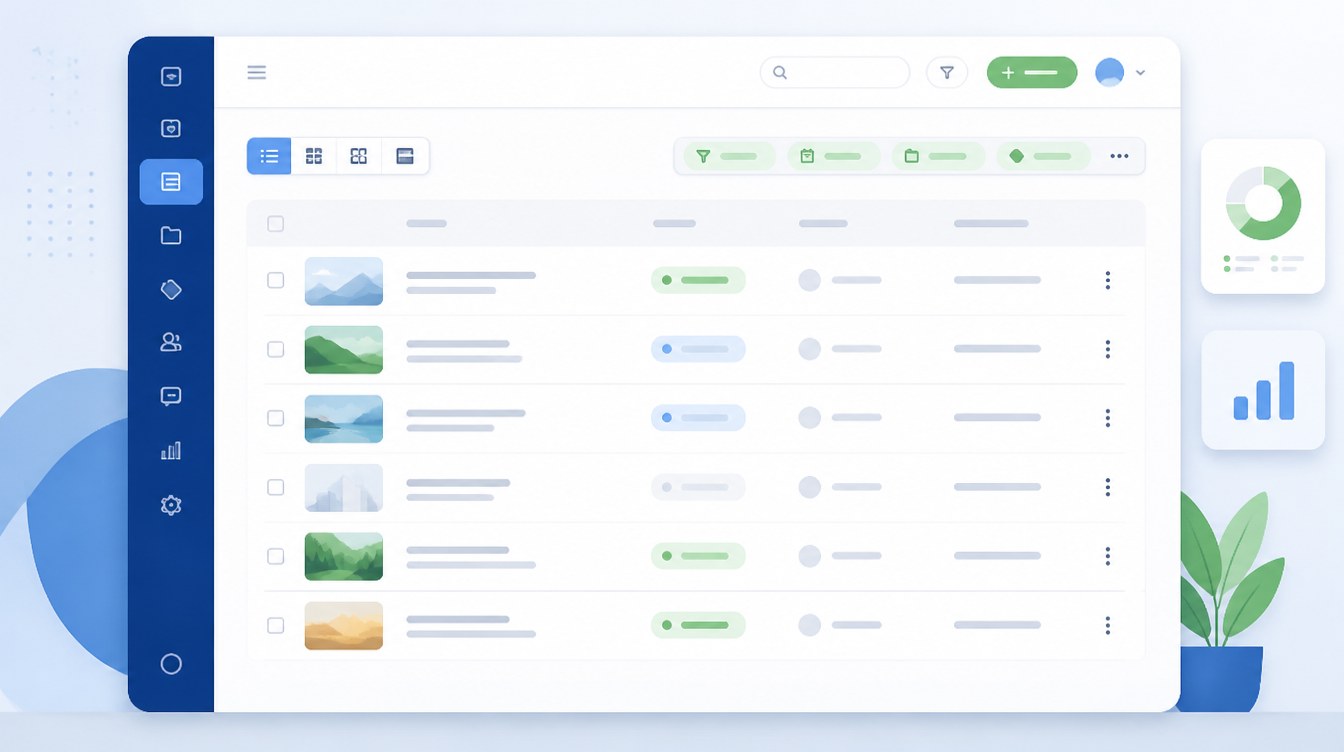
DataViews powers the rebuilt admin interface. The Posts, Pages, and Media screens now use a new component layer instead of the legacy WP_List_Table. The updated interface supports custom views, saved filters, multiple layouts, and bulk operations. It behaves more like a modern SaaS dashboard than the older row-based admin tables WordPress has used for years.
Editors and content teams can now save filtered views and reload them with a single click. A publication workflow might include a saved view showing drafts from the last 14 days assigned to a specific team. Ecommerce stores can also organize products by stock status, price range, or sales velocity through custom layouts. Bulk operations now extend beyond the single-action dropdown used in earlier versions of the admin.
Site owners and developers will need to account for compatibility changes. DataViews is built on React, so plugins that customize legacy list screens through PHP filters, custom admin columns, or injected CSS may require updates to support the new component layer. Plugins tied to screen options, bulk action menus, or the legacy quick-edit interface are especially likely to break or disappear from the admin view.
Compatibility issues are limited to specific plugin categories rather than the entire ecosystem. Plugins that add metaboxes to the editor are mostly unaffected, while plugins tied to admin columns or legacy list screens may need updates. Most actively maintained plugins already released 7.0-compatible versions during the beta period. Remaining issues are more likely to come from older extensions that no longer receive regular updates.
Editing Updates: Notes, Visual Revisions, and the Command Palette
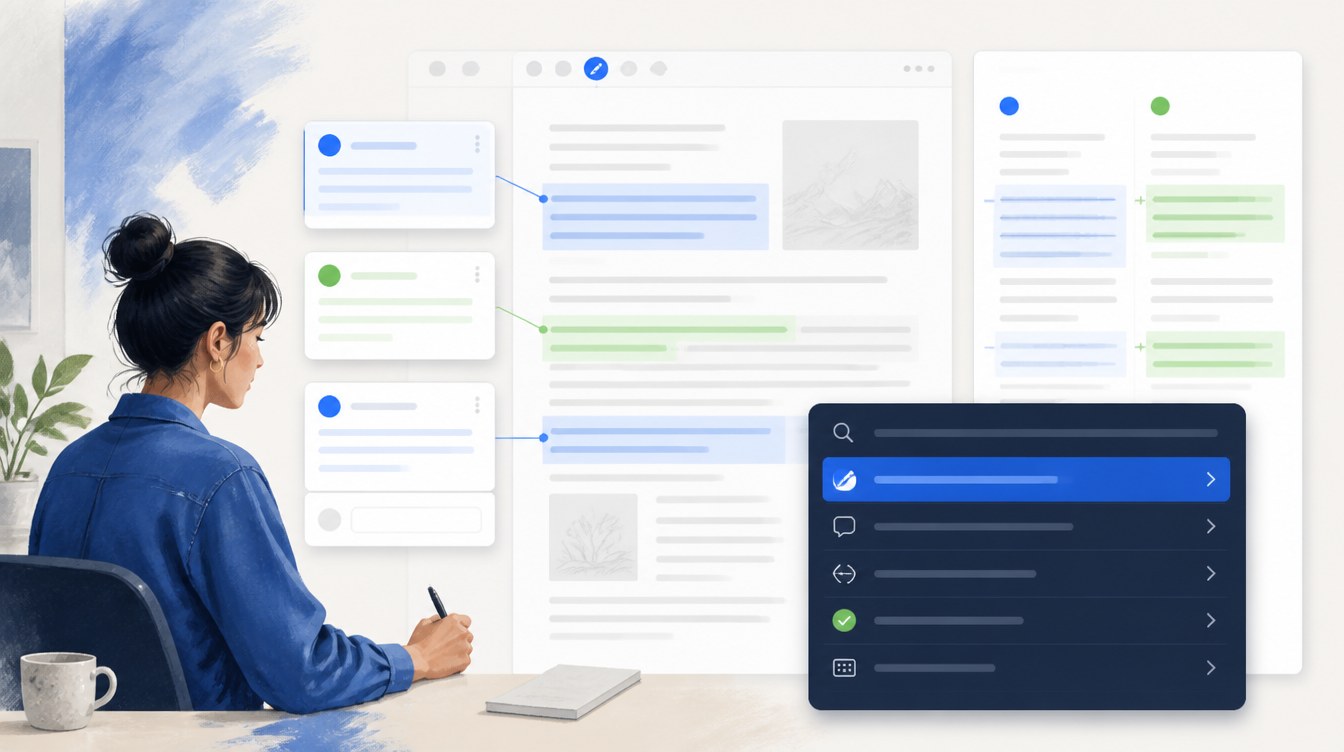
Block-level Notes is the collaboration system introduced in WordPress 6.9 and expanded in WordPress 7.0. Editors can leave threaded comments on individual blocks, reply within conversations, resolve feedback threads, and receive email notifications when new activity appears. WordPress 7.0 also adds comments to selected text within a paragraph, instead of limiting feedback to entire blocks. The interaction is similar to commenting in Google Docs.
Real-time multi-user editing was originally planned for WordPress 7.0, but was removed from the release on May 8 because the implementation was not considered stable enough for core inclusion. Block-level Notes now serves as the primary collaboration feature in 7.0, while real-time editing remains scheduled for a future release.
Visual revisions replace the older diff view in the revisions screen. The new interface renders the document the way it appears in the editor and highlights changes with color coding. Modified content is highlighted yellow, deletions are red, and additions are green. The result is a comparison that editors can read quickly, without translating from raw diff syntax.
The command palette is the keyboard-driven search interface in the WordPress admin. It opens with Cmd+K on macOS and Ctrl+K on Windows, and a visible Cmd+K or Ctrl+K indicator appears in the admin Omnibar. The palette searches admin actions, internal navigation destinations, content lookup, and editor commands from one input. For administrators managing many sites, the shortcut substantially shortens common workflows.
New Blocks and Media Handling
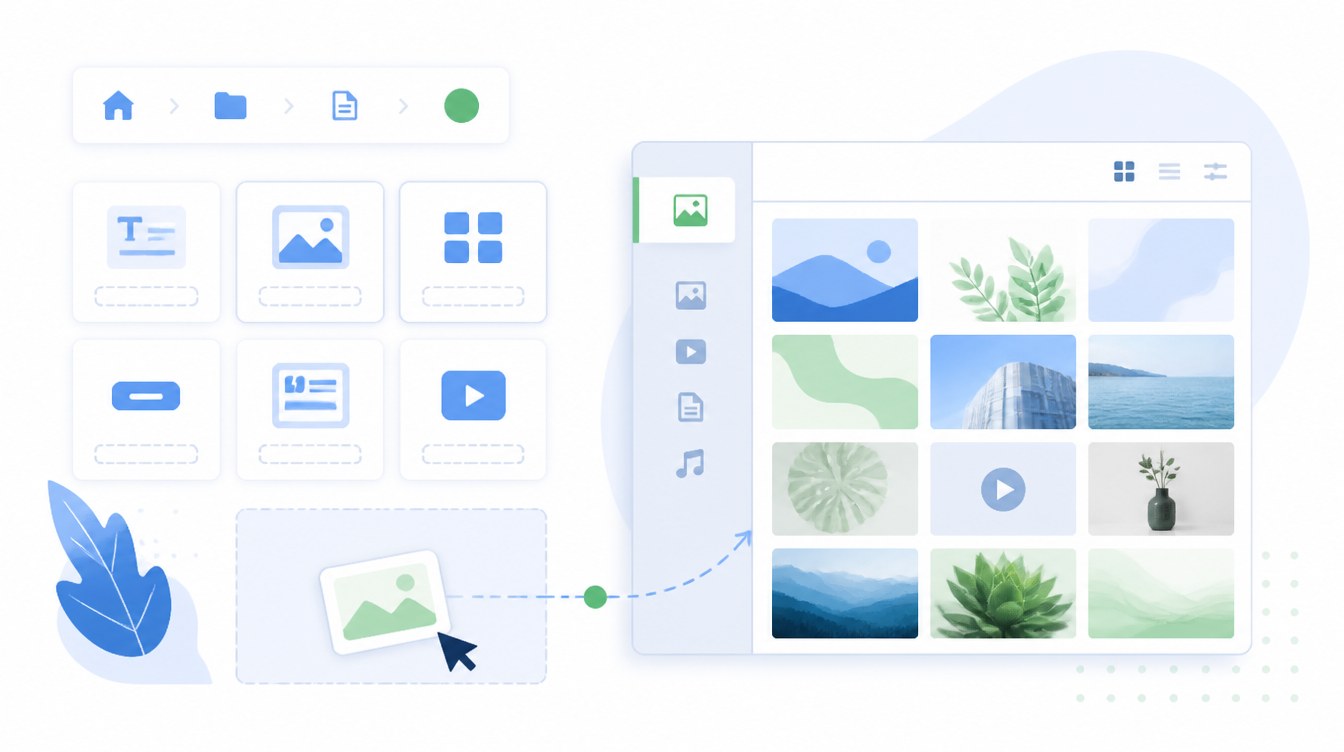
Breadcrumbs is a new core block that derives navigation paths from page hierarchy or post taxonomy terms. It reads the WordPress data structure and automatically renders the current page location. It also supports the Query Loop, meaning that a single block can render the breadcrumb path for each item in a query result.
Icons is a native SVG icon block with consistent accessibility markup. Sites that previously installed a dedicated icon plugin to add SVG icons to content can now do so without an additional plugin. The block comes with a default icon set, and third-party icon-set registration is planned for a future release.
The Cover block accepts embedded video from external services, and was previously limited to locally uploaded video. With WordPress 7.0, it can use a video hosted on services like YouTube or Vimeo as its background. The bandwidth and storage savings are useful for content-heavy sites that would otherwise host large video files on their own servers.
Client-side media processing is one of the most useful media changes in 7.0. Images are now resized and compressed in the browser before upload, so the server receives a smaller, processed version instead of the original file. That reduces CPU usage during uploads, lowers bandwidth usage, and helps with support for modern image formats. On GreenGeeks shared hosting, large media uploads place less strain on server resources.
PHP and Server Requirements
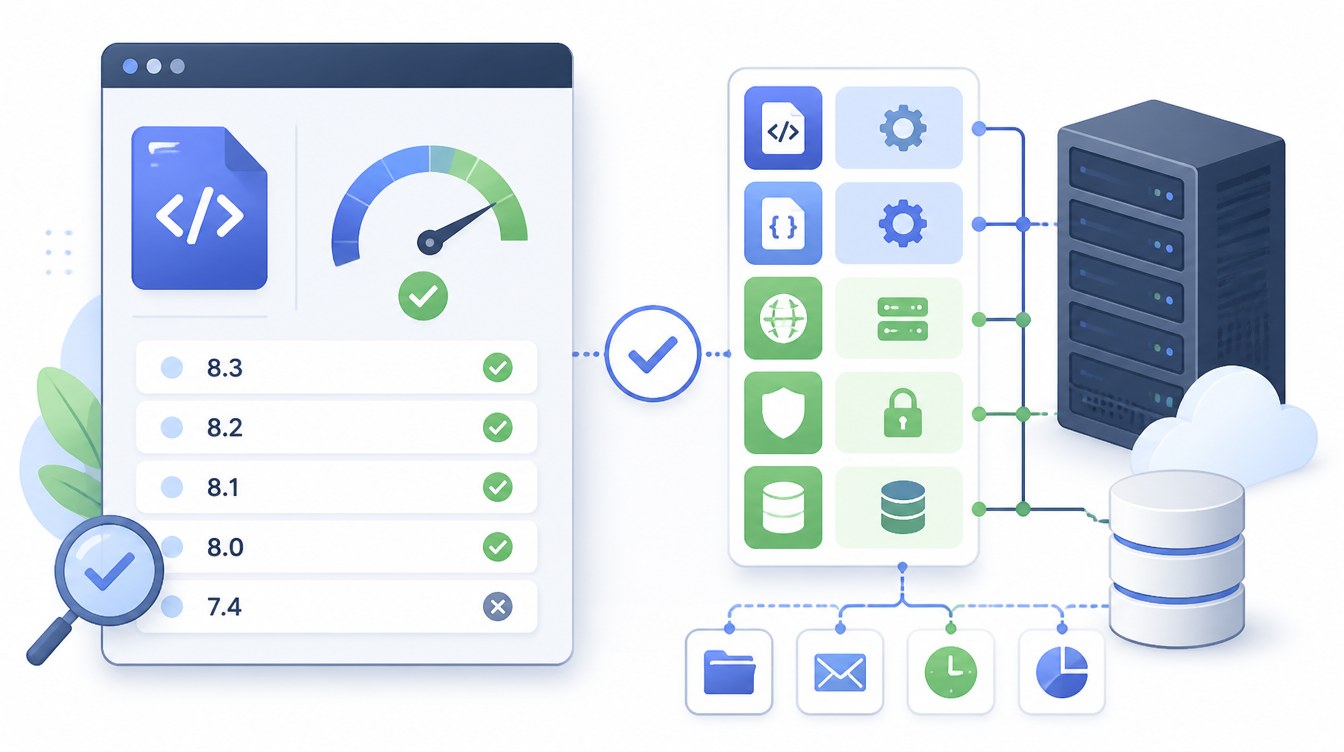
WordPress 7.0 requires PHP 7.4 or higher, as PHP 7.2 and PHP 7.3 are no longer supported. PHP 8.2 or 8.3 is recommended for performance and security. The 8.x branch is currently the only line receiving active security support, and several core 7.0 changes are optimized for modern PHP.
The simplest way to check a site’s current PHP version is through Tools > Site Health in the WordPress admin. The Server section lists the active PHP version and warns when the version falls below the recommended floor, while hosts that run multiple PHP versions side by side allow switching versions in the hosting control panel.
GreenGeeks accounts support PHP 8.1 through PHP 8.3 with one-click PHP version selection in cPanel, so site owners can move to the current PHP version without leaving the hosting dashboard.
Plugin and Theme Compatibility Risks
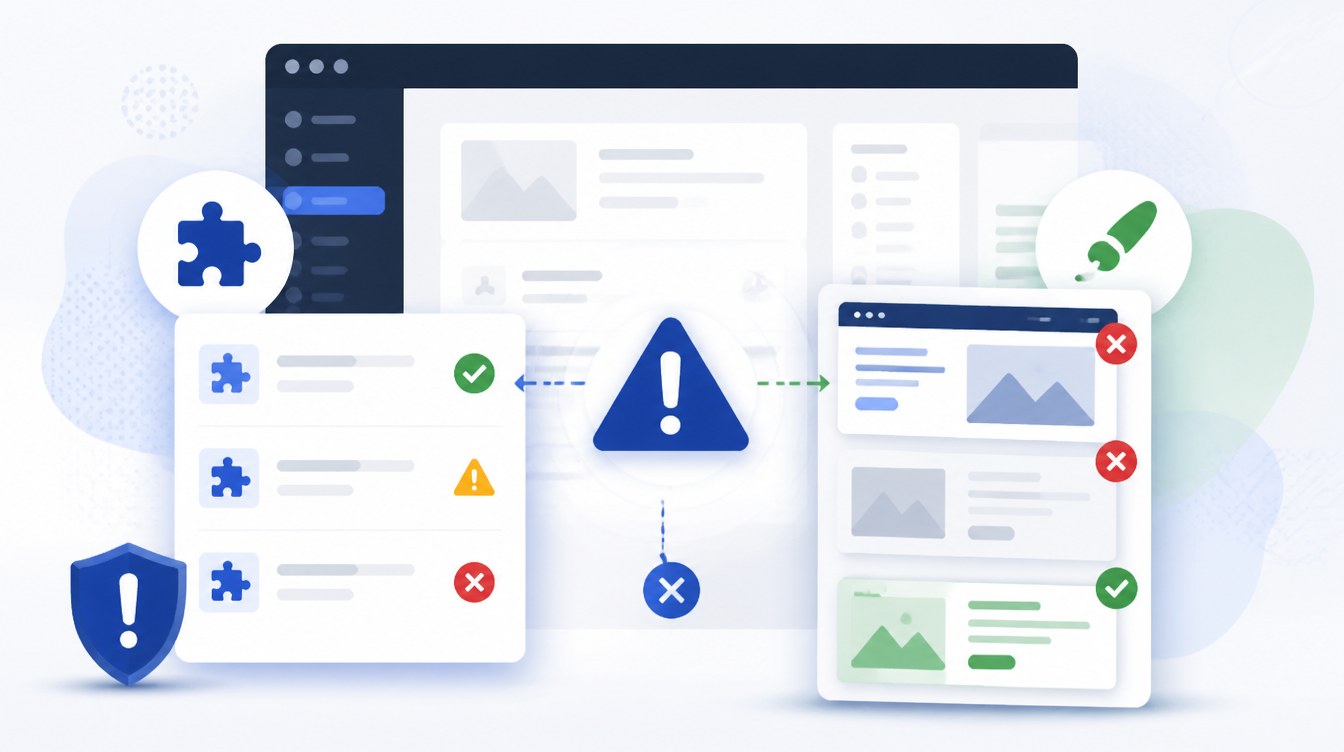
The compatibility risk profile for WordPress 7.0 is uneven. Three categories of plugin behavior account for most of the breakage observed in beta testing.
Admin list-screen customization: Plugins that filter or extend the Posts, Pages, or Media list screens through the old WP_List_Table hooks will usually render incorrectly under DataViews or lose their additions entirely. Custom admin columns, bulk action extensions, screen options modifications, and quick-edit row customizations fall into this category.
Admin CSS injection: Plugins that inject custom stylesheets into the admin to style legacy markup are likely to cause visual breakage because the underlying DOM differs. The same applies to admin theme plugins that override the default admin styling.
Classic editor block dependencies: Plugins that hook into the Classic editor block or rely on classic editor markup conventions need updated logic for 7.0.
Block themes are largely unaffected, while classic themes that include admin customizations or depend on legacy admin scripts should be tested on staging. Page builders that include admin hooks should publish a 7.0 compatibility statement before a production update, which can be confirmed in the vendor changelog.
Start the audit by listing installed plugins, grouping them by behavior, and prioritizing high-risk categories for staging tests.
Preparing and Updating a Site on GreenGeeks
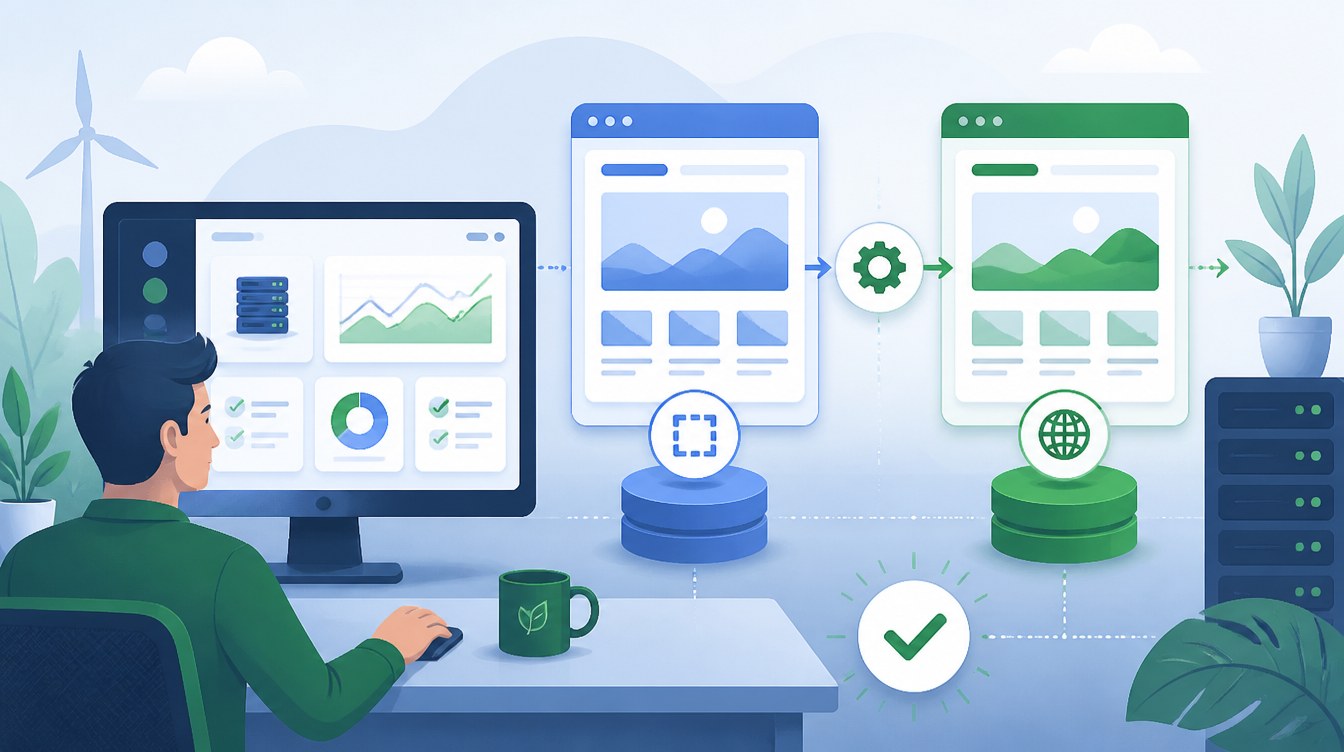
The update sequence is designed to minimize the chance of a production outage, and the steps assume the site is running on GreenGeeks with a current backup policy in place. The same general sequence applies to any host, but the references to backup, staging, and PHP selection describe the tools available in your account.
Before the update
Take a full backup of files and the database. We run nightly automated backups, and a one-click restore is available from the account dashboard. Add a manual snapshot taken immediately before the update so that the recovery point is exact.
Confirm the active PHP version under Tools > Site Health. If the version is below 7.4, upgrade through the cPanel PHP selector. PHP 8.2 or 8.3 is the preferred destination.
Set up a staging copy of the production site. Managed WordPress accounts on GreenGeeks include a staging environment that clones the live site.
Audit installed plugins against vendor changelogs. Flag any plugin in the high-risk categories above that does not have a published 7.0 compatibility note.
Deactivate unused plugins. The smaller the active surface area, the easier it is to isolate any post-update failure.
On staging
Apply the WordPress 7.0 update.
Go through the core editorial workflows. Publish a post, upload media, manage a user, and submit a form. If the site runs ecommerce, complete a test order from cart to receipt.
Visit every admin screen used regularly. Look for broken layouts, missing controls, console errors, or visible PHP errors.
Review any AI integrations against the new Settings > Connectors screen. Confirm that API keys are configured under the consolidated interface, and that the AI-reliant plugins continue to receive responses.
On production
Schedule the update for a low-traffic window.
Apply the update on production.
Purge the site cache, the GreenGeeks server cache, and your own browser cache. The React-based admin components in 7.0 do not load correctly when served from stale cached assets.
Re-test the editorial and ecommerce workflows on production.
Monitor Site Health for PHP errors and the Connectors screen for AI provider errors for several days after the update.
The full process can take several hours on a small site and most of a day on a complex one. That preparation helps prevent production outages once the update goes live.
Frequently Asked Questions
When will WordPress 7.0 be released?
WordPress 7.0 is scheduled for release on May 20, 2026. The original target was April 9, 2026, and the release was postponed to give additional time to stability and performance work. RC 4 on May 14 is the effective final release candidate.
What’s new in WordPress 7.0?
WordPress 7.0 adds several platform and admin changes, including the Connectors API, the AI Client, the MCP Adapter, and the JavaScript version of the Abilities API. The update also redesigns the Posts, Pages, and Media screens through DataViews, expands block-level Notes, adds a visual revisions screen, introduces Breadcrumbs and Icons blocks, and includes client-side media processing.
What are AI Connectors in WordPress 7.0?
AI Connectors are built-in connections to external AI providers managed from the Settings > Connectors screen. WordPress 7.0 includes three default connectors registered out of the box: OpenAI, Anthropic, and Google. A site owner enters an API key once, and any plugin built against the AI Client can use that connection.
What is the Abilities API in WordPress?
The Abilities API is a registry that lets plugins, themes, and core register named capabilities with input schemas, output schemas, permission callbacks, and structured annotations. WordPress 6.9 introduced the server-side API, and 7.0 adds the JavaScript counterpart.
What is the WordPress MCP Adapter?
The MCP Adapter is a WordPress package that bridges the Abilities API to the Model Context Protocol. Registered abilities become discoverable and callable as MCP tools by compatible AI clients, including Claude Desktop, Claude Code, Cursor, and VS Code.
Will real-time collaboration ship in WordPress 7.0?
No. The feature was removed from WordPress 7.0 on May 8 because it was not ready for core release. Editors can still collaborate through Block-level Notes by leaving comments and replying to feedback inside the editor. Real-time editing is still planned for a later version.
What PHP version does WordPress 7.0 require?
WordPress 7.0 requires PHP 7.4 or higher. Support for PHP 7.2 and PHP 7.3 has been dropped, and PHP 8.2 or 8.3 is recommended for performance and security.
How do I prepare my WordPress site for the 7.0 update?
Back up your files and database first, then confirm your PHP version in Tools > Site Health. Run the update in a staging environment before applying it to production. Test publishing, media uploads, forms, ecommerce functionality, and installed plugins before going live. Once the production update is complete, clear all caches.
Will my plugins break in WordPress 7.0?
Most plugins will continue to work. Plugins that customize the Posts, Pages, or Media admin list screens, inject custom admin CSS, or hook into the Classic editor block pose the highest risk due to the DataViews overhaul. Test on staging before applying any updates.
What is DataViews in WordPress 7.0?
DataViews is the rebuilt admin interface for the Posts, Pages, and Media list screens. It replaces the legacy WP_List_Table component with an application-style interface that supports custom views, named filters, multiple layouts, and bulk operations.
How do I open the WordPress command palette?
The WordPress command palette opens with Cmd+K on macOS and Ctrl+K on Windows. A keyboard shortcut indicator is visible in the admin Omnibar. The palette searches admin actions, navigation, and content from a single input.
What should I do after updating to WordPress 7.0?
Purge the site cache, server cache, and your browser cache so the new React-based admin assets load correctly. Then re-test publishing and ecommerce flows and monitor PHP errors via Site Health for several days. Confirm that any AI integrations on the Connectors screen are configured and returning responses.


