
Website Migration SEO Checklist | GreenGeeks
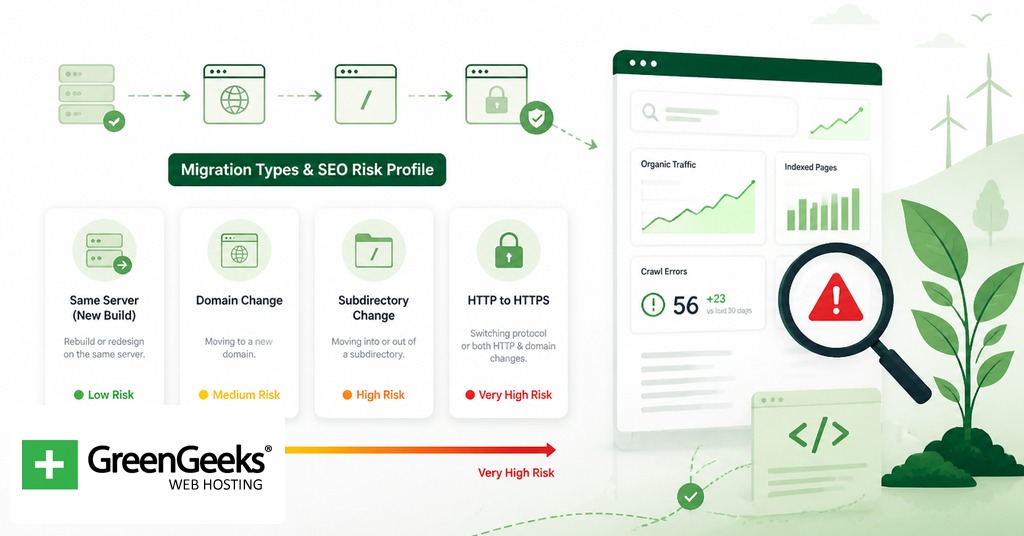

A safe website migration depends on one decision more than any other: every indexed URL on the old site must be mapped to a topically equivalent URL on the new site and redirected with a 301 (or 308) status code. Recovery typically takes 2 to 8 weeks for a well-executed move, with John Mueller of Google stating that ranking stabilization can run 4 to 12 weeks depending on scale. A 2025 Ahrefs study reported that roughly 60% of migrations result in measurable organic traffic loss, and a separate analysis of 892 migrations cited by Search Engine Journal put the average time to regain pre-migration traffic at 523 days. The difference between the short window and the long one is almost entirely the quality of the URL mapping and the redirect logic.

The rest of this article walks through the migration types that carry the most SEO risk, the timeline you should plan against, a phase-by-phase checklist, redirect configuration for Apache and Nginx, the Change of Address tool in Google Search Console, and the mistakes that turn a routine move into a measurable revenue event.
Migration Types and Their SEO Risk Profile
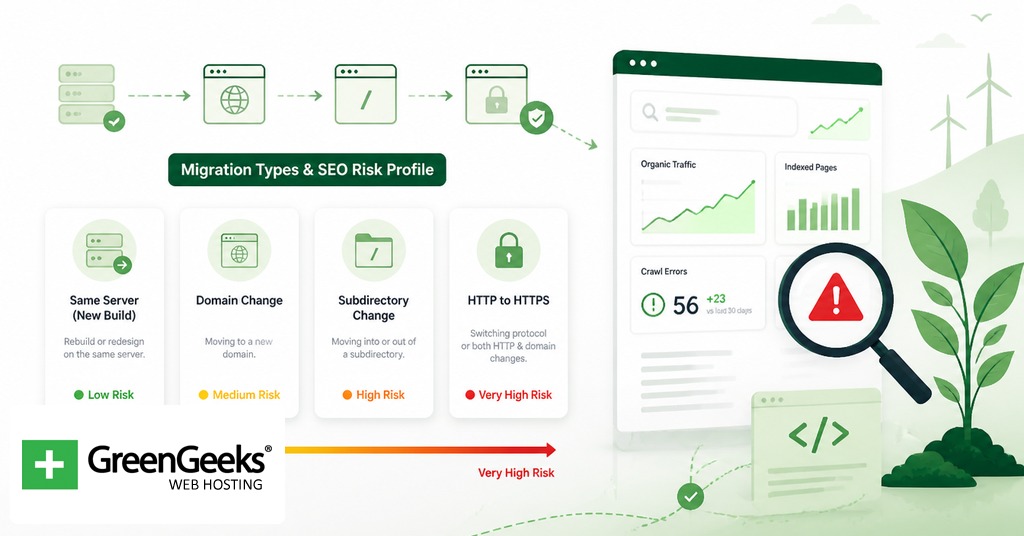
Google Search Central lists seven migration scenarios that change URLs: protocol change, hostname change, domain change, subdomain or subdirectory change, site structure change, full site replacement, and content management system change. Each carries a different level of SEO risk. The required checklist scales with risk.
Migration Type
SEO Risk
Primary Required Steps
Protocol change (HTTP to HTTPS)
Medium
301 redirects, update canonicals, HTTPS sitemap, resolve mixed content
Hostname change (www to non-www or reverse)
Low to Medium
301 redirects, canonical update, GSC property add
Domain change
High
Full URL mapping, 301 redirects, Change of Address tool, sitemap, GSC properties for both
URL structure change
High
Pattern-based 301 redirects, internal link rewrite, canonical update, sitemap
CMS or platform change
High
URL mapping (often 1:1 not possible), 301 redirects, structured data review, template QA
Design rebuild on same URLs
Low
Internal link audit, performance check, structured data verification
Consolidation or split
Very High
Manual mapping, content review, possible 410s for retired pages, sitemap rebuild
A protocol change is constrained: every URL keeps its path and only the scheme changes. A domain change touches every URL, every internal link, and every external mention. A consolidation, where two or more sites are merged, is the most fragile scenario because content overlap forces editorial decisions about which page to keep, which to redirect, and which to retire. John Mueller has commented that consolidations take longer to settle than straight domain moves, because Google has to reassess authority and topical relevance across a combined corpus.
Design rebuilds that preserve URLs and template structure carry the smallest risk, but they are not zero risk. Changes to internal linking patterns, navigation, breadcrumbs, or structured data can move signals enough to produce a temporary dip.
The Three-Phase Migration Timeline
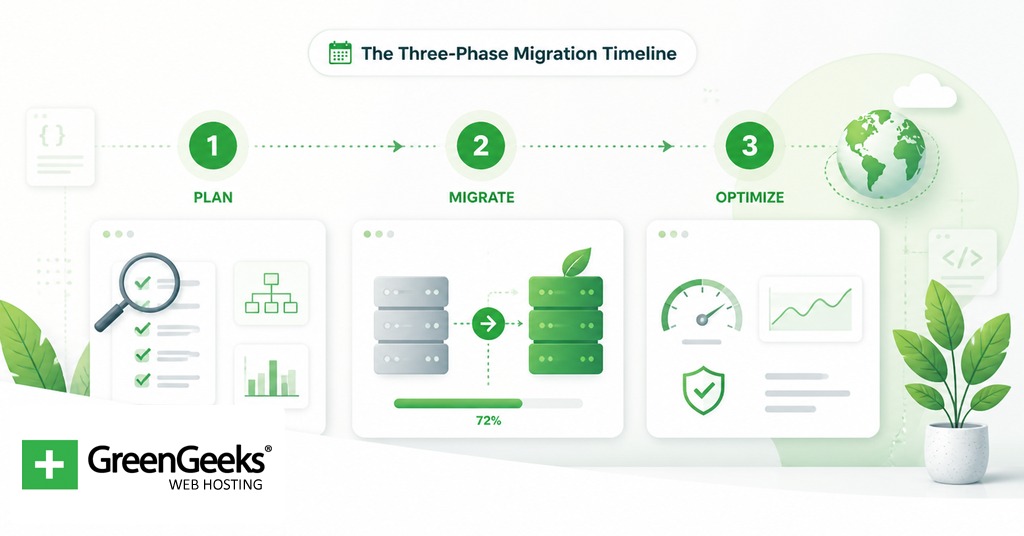
A migration is not a single event. It is a project with a pre-migration phase, a cutover, and a post-migration monitoring window. For a mid-sized site, plan on 8 to 16 weeks total, broken roughly as follows.
The pre-migration phase covers audit, baseline capture, URL mapping, redirect rule preparation, content QA on the new platform, and stakeholder review. This is typically 4 to 10 weeks. The cutover itself is the day or week where DNS changes, redirects go live, and the new site replaces the old one. Cutover for a planned move is often a weekend or a single off-peak window. The post-migration phase covers verification and monitoring, runs 3 to 6 months, and is where most of the SEO work pays off or fails.
The 2 to 8 week recovery window mentioned at the top sits inside the post-migration phase. Lighter migrations (design refresh, hostname change) may stabilize within 2 to 3 weeks. Heavier migrations (domain change with URL restructure) often need the full 8 weeks to settle, with Search Console reports continuing to fluctuate for several months after.
Pre-Migration Checklist: Baseline and Plan
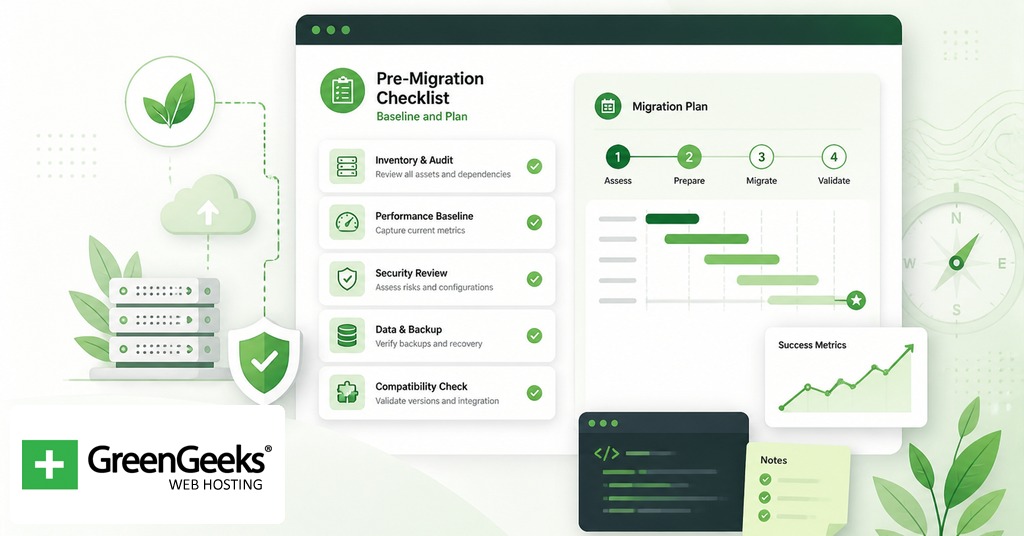
The pre-migration phase is where most of the risk is removed. The work here is unglamorous and largely invisible to anyone who is not looking at Search Console, but it is the difference between a clean recovery and a permanent loss.
Capture baseline metrics for the existing site. Pull at least 12 months of organic traffic data by landing page from Google Analytics 4 or your analytics platform. Export the top-ranking keywords by URL from Search Console. Record indexed page count from the Index report. Save a snapshot of average position by query for the top 100 to 500 queries. Run a Core Web Vitals scan and save the results. These numbers are the comparison set for everything that follows.
Run a full site crawl and document the current state. Use a crawler such as Screaming Frog or Sitebulb to extract every URL, status code, canonical tag, meta description, title, H1, hreflang annotation, and internal link count. Save the export. This file is the ground truth against which the new site will be compared.
Build the URL map. This is the single highest-leverage step. For every URL in the crawl that returns a 200 status, decide its destination on the new site. Most should map 1:1 to a topical equivalent. Some will map many-to-one (a consolidation). A small number will be retired and should be marked for a 410 response. Avoid mapping unrelated URLs to the homepage, because Google can treat homepage-only redirects as soft 404s and remove the inherited signal value.
Document the redirect rules. Group the URL map into pattern-based rules where possible. A change from /blog/category-name/post-slug to /articles/category-name/post-slug can be a single regex rule. Items that cannot be patterned should be in an explicit one-to-one list. The full set will become the .htaccess or Nginx configuration.
Build the new XML sitemap. Generate sitemap.xml for the new site listing only canonical URLs that return 200. The sitemap should not include redirected URLs, noindexed URLs, or URLs that return error codes.
Audit robots.txt for both sides of the migration. The new site’s robots.txt must not block the URLs that need to be crawled. Confirm that the staging environment has a Disallow: / rule or password protection so Google does not index it before launch. Plan to swap robots.txt at cutover.
Inventory internal links. Every internal link on the old site that points to a URL changing in the migration should be updated at the source code level on the new site. Do not rely on the 301 redirect to handle internal links. The redirect is for external links and indexed URLs that have not yet been recrawled.
Audit hreflang annotations on internationalized sites. Every hreflang tag on the new site must reference the new URLs, not the old ones. Cross-language pairs must remain reciprocal. Misaligned hreflang and canonical tags is one of the more common failure modes for multilingual migrations and is caught by Search Console’s International Targeting report after launch.
Audit structured data. Schema.org markup that was working on the old site should be replicated or improved on the new site. Run the Rich Results Test on a sample of templates before launch. Schema errors at cutover are a common cause of rich result loss.
Set up the new property in Google Search Console. For domain or hostname changes, add the new domain property and verify it before cutover. The Change of Address tool requires both old and new properties to exist and to be owned under the same Google account. Set up a Bing Webmaster Tools property at the same time if Bing traffic is meaningful.
Verify it worked: the new property in Search Console should show as verified, with the same email account having access to both old and new properties.
Plan the monitoring stack. Decide which dashboards will be checked daily for the first two weeks after cutover. At minimum: Search Console Coverage report, Search Console Performance report (impressions, clicks, average position), Google Analytics organic traffic, server log files for crawler behavior, and uptime monitoring.
Run the new site through a pre-launch QA pass. With staging password protection still in place, crawl the new site as Googlebot would. Confirm all canonical tags resolve to live URLs (not staging URLs, which is a recurring bug at launch). Confirm no noindex meta tags remain from staging. Confirm the robots.txt does not block important paths.
Cutover Checklist: Execution Day
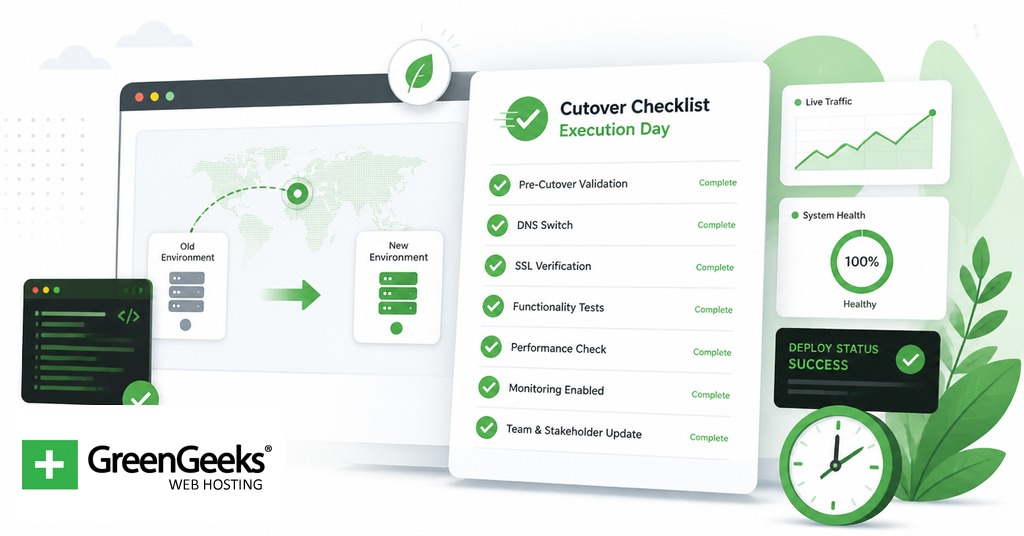
The cutover is short. Most of it is verification. Schedule it during a low-traffic window if possible, with rollback procedures documented.
Push the redirect configuration live. Deploy the .htaccess, Nginx config, or platform redirect map. The redirects must return a 301 (or 308) status, not a 302.
Remove staging protection. If the new site is on the same domain as staging, swap the password protection or noindex tags off. If staging was on a separate hostname, ensure it is no longer accessible after cutover.
Update DNS if the domain or hostname is changing. Lower the TTL on DNS records 24 to 48 hours before cutover so propagation is fast.
Submit the new sitemap. Add the new sitemap.xml URL in the Search Console new property and request re-fetching. Submit the sitemap to Bing if applicable.
Trigger the Change of Address tool. This applies only to domain-level moves. The tool runs pre-move checks and confirms that 301 redirects are in place from the old domain.
Test a sample of redirects with curl or a redirect checker. Confirm that representative URLs return the expected 301 and that the destination URL returns 200. A short shell script can sample 50 to 200 redirects and flag failures.
Begin the monitoring window. From cutover, watch Search Console Coverage, server logs, and analytics traffic on the new domain. The first 72 hours typically show the largest swings in indexed page count and crawl rate.
Redirect Implementation: Apache and Nginx
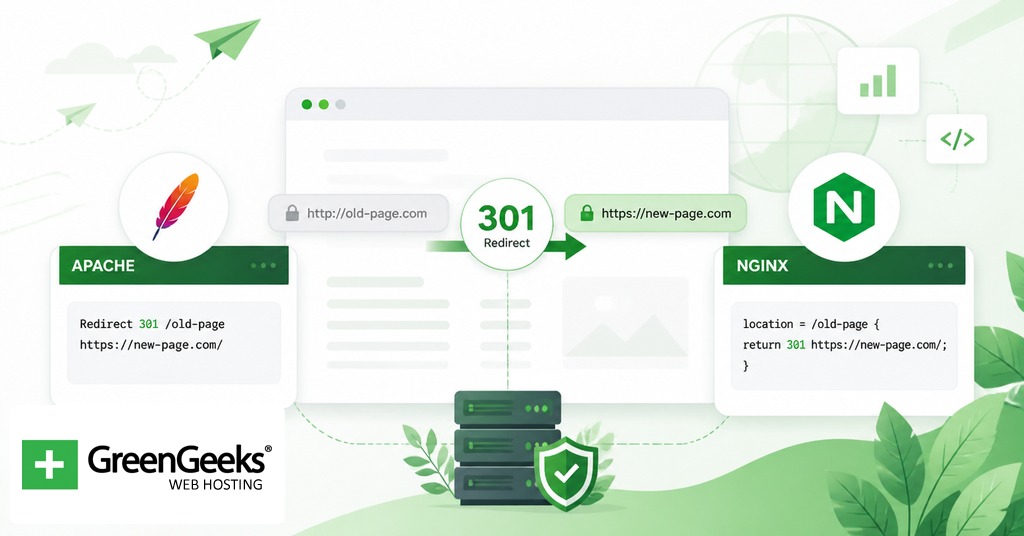
Server-side 301 redirects are the canonical implementation. Client-side redirects (meta refresh, JavaScript) are slower and less reliable for SEO, and Google’s documentation prefers server-side.
For Apache servers running mod_rewrite, the redirect rules go in the .htaccess file at the document root or in the main server configuration. Below is a domain-level redirect example.
# Redirect entire old domain to new domain, preserving path RewriteEngine On RewriteCond %{HTTP_HOST} ^(www\.)?oldsite\.com$ [NC] RewriteRule ^(.*)$ https://newsite.com/$1 [L,R=301] # URL pattern change within the same domain RedirectMatch 301 ^/blog/(.*)$ /articles/$1 # Specific one-to-one redirects Redirect 301 /old-page.html /new-page/ Redirect 301 /retired-product/ /products/
For Nginx, redirects are configured in the server block of the site’s configuration file. Below is a parallel example.
# Redirect entire old domain to new domain server { listen 80; listen 443 ssl; server_name oldsite.com www.oldsite.com; return 301 https://newsite.com$request_uri; } # URL pattern change within the new server block server { listen 443 ssl; server_name newsite.com; location ~ ^/blog/(.*)$ { return 301 /articles/$1; } location = /old-page.html { return 301 /new-page/; } }
After deployment on Nginx, run nginx -t to validate the configuration before reloading. On Apache, syntax errors in .htaccess return a 500 error rather than refusing to load, so verification with curl is more important.
A simple verification command:
curl -I -L https://oldsite.com/old-page.html
The -I flag returns headers only, and -L follows the redirect chain. The response should show a single 301 hop to the new URL, followed by a 200 from the destination. Two or more 301 hops in sequence indicates a redirect chain, which Google’s documentation states should be avoided. Chains of more than 3 hops can cause Googlebot to stop following.
Post-Migration Checklist: Verification and Monitoring
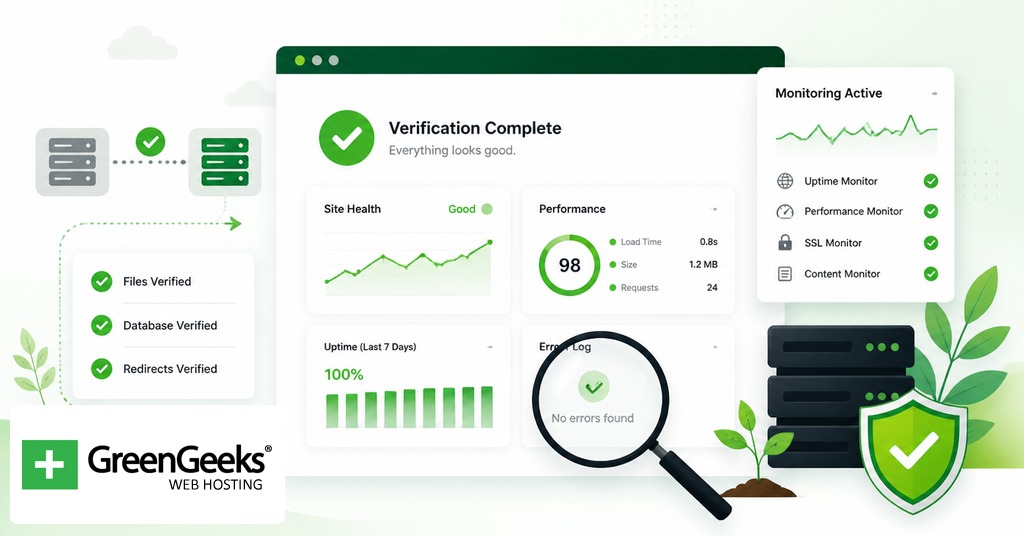
The work after cutover is repetitive and data-driven. The first two weeks are daily checks. The next 8 to 12 weeks are weekly checks. The window extends out to 6 months for large migrations.
Crawl the new site and compare against the pre-migration baseline. Run the same crawler used in Stage 1. Confirm that indexed page count is within 5 to 10% of the baseline (some variance is expected as Google reindexes). Confirm canonical tags resolve correctly on every template.
Use the URL Inspection tool in Search Console for top URLs. Submit the top 20 to 50 most important URLs (highest traffic in the baseline) for re-indexing. This does not guarantee fast indexing but signals priority.
Monitor the Coverage report daily for two weeks. Watch for spikes in “Excluded by noindex,” “Soft 404,” “Crawled – currently not indexed,” and “Discovered – currently not indexed.” A small rise in soft 404s often points to redirect mapping that sent a meaningful URL to a less-relevant page.
Monitor the Performance report. Compare clicks, impressions, and average position against the same period in the prior month. A 10 to 25% drop in the first 1 to 4 weeks is normal for a clean migration. A drop larger than 30% beyond week 4 needs investigation.
Check server log files for crawler behavior. Googlebot should be hitting the new site’s URLs and following the 301s on the old domain. If Googlebot is still crawling old URLs at high volume after 30 days, internal links may not have been updated, or external sites are still pointing to the old URLs. The latter is normal and is part of why Google recommends keeping redirects active for at least 180 days, with John Mueller suggesting at least a year.
Re-run Core Web Vitals. Field data in the Search Console Core Web Vitals report takes 28 days to populate after a change. Mark the date and revisit at week 4 and week 8. Lab data (PageSpeed Insights) is available immediately and useful for spotting regressions on critical templates.
Verify structured data and rich results. The Rich Results Test should pass for sample URLs of every template type. The Search Console Enhancements reports will show new errors within a few days of the new templates being crawled.
Update external references where possible. Reach out to high-value backlinks (top 50 to 100 referring domains) to request URL updates. This is optional but reduces redirect dependency on the most valuable inbound links.
The Change of Address Tool in Google Search Console
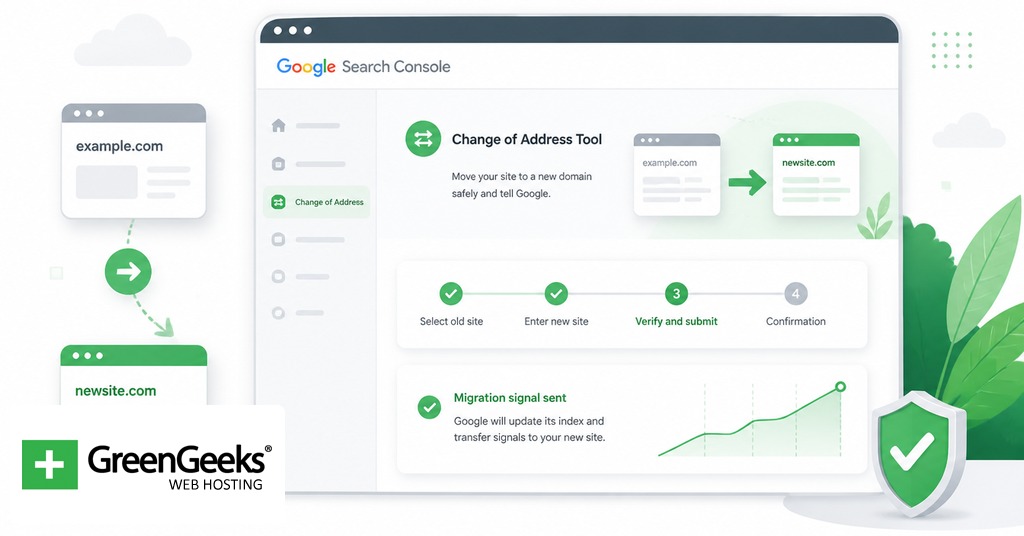
The Change of Address tool is the official way to tell Google about a domain move. It is a domain-level tool. It does not apply to URL structure changes within the same domain, hostname changes that stay on the same domain, or path-level migrations.
To use the tool, the old and new domains must both be verified properties in Search Console under the same Google account. The tool runs a set of pre-move checks before the request can be submitted. Critical checks must pass: representative 301 redirects from old to new must be in place, the new domain must be reachable and verified, and the property type must be Domain or URL-prefix at the root level.
After the request is submitted, Google emphasizes crawling and indexing of the new domain, forwards signals from the old domain, and prefers the new URLs as canonical. These actions run for 180 days. Old redirects should be maintained for at least 180 days as well, longer if Search Console still shows traffic going through the old URLs.
The tool does not remove the old domain from the index immediately. The old URLs will continue to appear in Search Console reports for the old property for some time, with crawl activity gradually shifting to the new domain.
Common Migration Mistakes
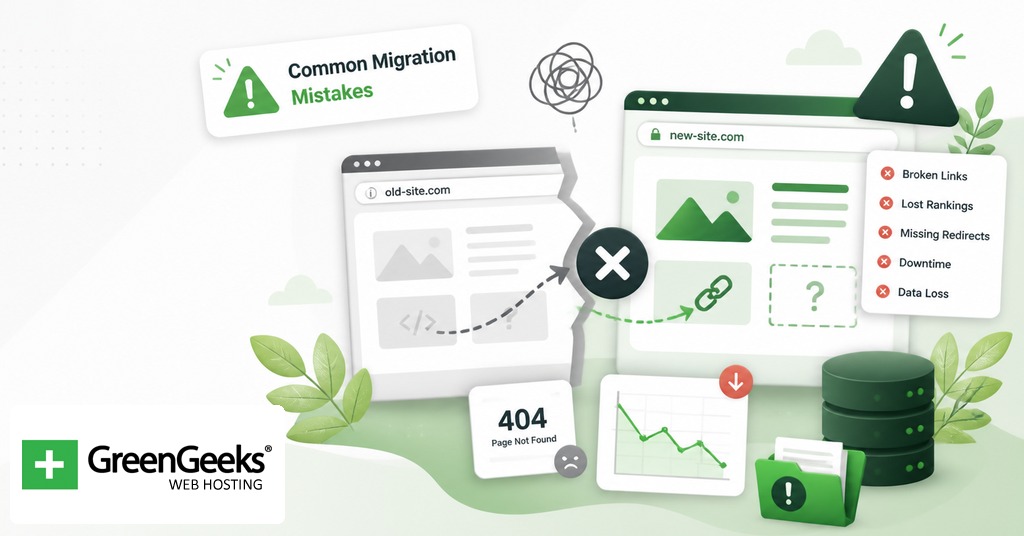
The following errors account for most migration-related traffic loss. Each is preventable with the checklist above.
Redirecting all old URLs to the homepage. Treated by Google as soft 404s for non-trivial pages. The signal value of the old URL is lost.
Allowing redirect chains. Old URL to intermediate URL to final URL slows crawling and can cause Googlebot to stop following after 3 or more hops.
Leaving canonical tags pointing to staging URLs. A staging-environment canonical that survives launch tells Google the live URL is duplicate of a non-existent page.
Forgetting to lift the staging robots.txt block. A Disallow: / rule that survives cutover prevents the new site from being crawled at all.
Allowing Google to index the staging site before launch. Causes duplicate content concerns and forces cleanup work after launch.
Skipping the internal link update. Forces Googlebot through the redirect chain for every internal navigation, wasting crawl budget.
Failing to update hreflang annotations. Breaks international targeting and can cause the wrong language version to surface in search results.
Removing structured data from the new templates. Loses rich result eligibility, with no warning until Search Console Enhancements catches up.
Skipping the baseline capture. Without pre-migration metrics, post-migration anomalies cannot be detected or quantified.
Cutting redirects after 30 or 60 days. Google can take much longer to reindex external backlinks. Industry standard is 12 months minimum.
Mixing 302s into the redirect set. A 302 signals a temporary move. The destination is not preferred as canonical, and the SEO value transfer is slower.
Mapping URLs to less-relevant destinations to avoid editorial work. A retired product page redirected to a generic category page often performs worse than the same URL returning a 410 with a working new-products link in the response body.
Frequently Asked Questions
How long does a website migration take to recover?
Recovery typically runs 4 to 12 weeks for a well-executed migration, according to John Mueller. A 2024 study of 892 migrations cited by Search Engine Journal reported an average of 523 days to fully regain pre-migration traffic, with 17% of sites failing to recover within 1,000 days. The wide range reflects how much depends on URL mapping quality, scope of changes, and site size.
Should I use 301 or 302 redirects for a site migration?
Use 301 for permanent moves and 302 (or 307) only when the change is genuinely temporary. John Mueller stated that the SEO impact between 301 and 302 is small, but Google prefers the technically correct type. A 301 transfers signals more cleanly and tells Google to update the canonical to the new URL, while a 302 keeps the old URL as canonical.
How long should I keep 301 redirects after a migration?
Google’s documentation recommends maintaining redirects for at least 180 days. John Mueller has said to keep them for at least a year, and longer if old URLs continue to receive traffic from search results. Once the redirect endpoint shows no traffic for several months, it is generally safe to retire.
What is the Change of Address tool in Google Search Console?
It is a Search Console feature that signals to Google that a verified domain property has moved to a new domain. It forwards crawl emphasis to the new site for 180 days and helps Google select the new URLs as canonical. It applies only to domain-level moves with both properties verified under the same Google account.
What is the most common SEO mistake during a website migration?
Redirecting every old URL to the homepage instead of mapping each page to its closest topical equivalent. Google can treat homepage-only redirects as soft 404s, which removes the SEO value of the old page. The fix is a one-to-one URL map for indexed pages with measurable traffic or backlinks.
Can I migrate my website in stages?
Yes. Google recommends moving large sites in sections, starting with a stable, low-change section to test the impact on indexing and traffic before moving the rest. Section-by-section moves are less efficient operationally but reduce the blast radius if a problem appears in the first wave.

